
How to Get Court Records
Name the court and the product before you ask for anything. Need a Superior Court cause number? Try the Washington Courts Case Records Search or the Odyssey Portal. District Court files live on a separate system. The Kitsap District Court ePortal demands an account first. A municipal case stays with the city court that issued it.
Online tools are just one channel. The Kitsap County Clerk handles copies of Superior files in Room 202. The Clerk also inspects files, answers phone questions, and processes mailed copy requests. District Court runs its own counter in Room 106, with phone, email, and mail service. A statewide search locates cases; it does not deliver a full file. Skip the county Public Records Center for court matters. Judicial records answer to court rules, not the ordinary Public Records Act.
- Identify the court, party, case number, and exact paper or hearing date sought.
- Use the relevant portal to confirm the case and preserve the number with its dashes.
- Choose online purchase, in-person inspection, phone help, or a written mail or email route.
- State whether a plain, certified, exemplified, audio, or transcript product is needed.
- Confirm access, cost, delivery method, and current processing time before paying.
Kitsap Court Records in Room 202
The Superior Court file-view instructions point the public to one place: the Kitsap County Clerk counter in Room 202, 614 Division Street, Port Orchard. Most open Superior files can be viewed there. Not everything is open, though. The official page states that juvenile, dependency, and adoption files stay closed to public viewing. A blank portal screen grants no right to peek at restricted material.
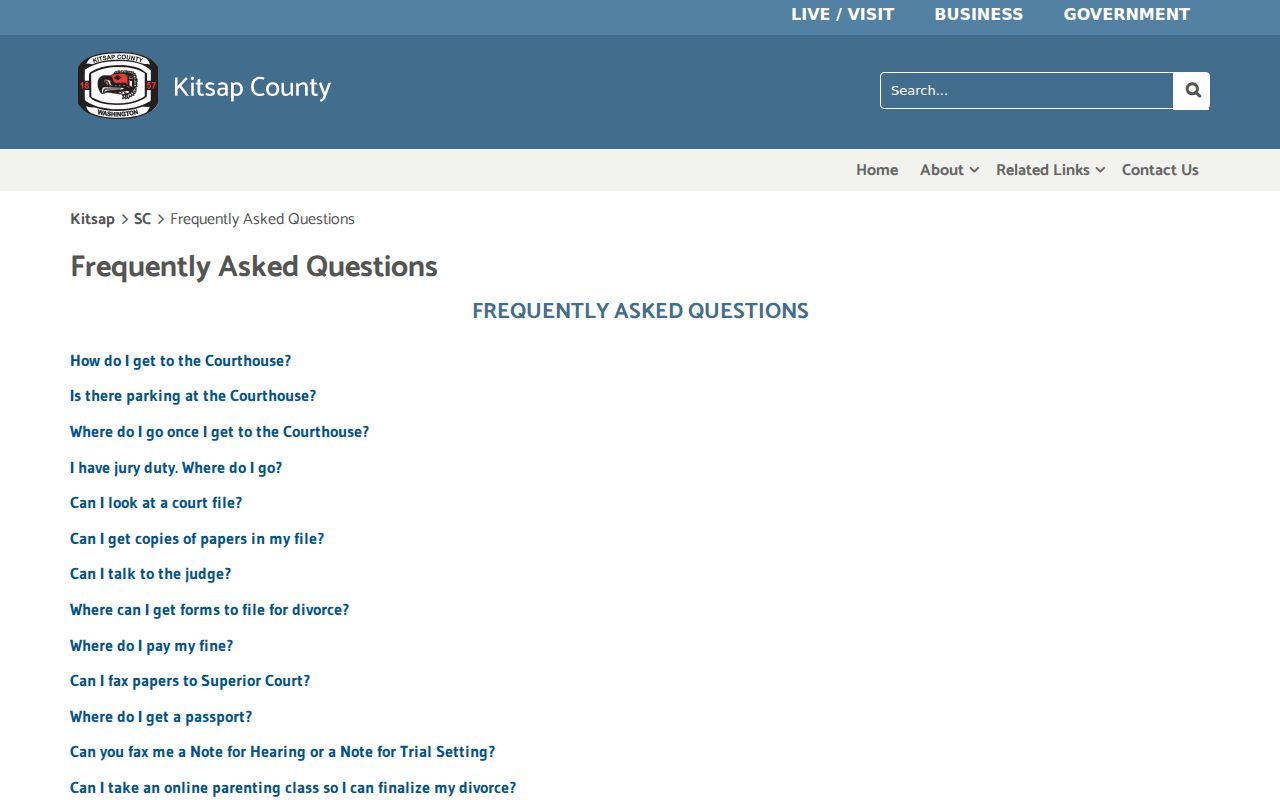
Here is the key division of labor. Superior Court administration and the County Clerk handle different tasks. The Clerk holds the pleadings, orders, judgments, minutes, exhibits, and certified copies. Will a file not surface online? Bring the cause number to Room 202 or call 360-337-7164 before driving over. Staff can also tell you whether an older file has to be pulled from storage.
Types of Court Records
Kitsap County court records are not one product. The docket, or Register of Actions, is a dated list of events. A filed document is something else. It is the actual petition, answer, motion, order, judgment, or admitted exhibit. Certification adds the Clerk's attestation to a copy. Hearing audio and typed transcripts each travel their own separate request path.
- Superior civil, criminal, family, probate, guardianship, parentage, adoption, and juvenile files
- District misdemeanor, infraction, small claims, and limited civil files
- Municipal files held by Bainbridge Island, Bremerton, Port Orchard, or Poulsbo
- Dockets, minutes, orders, judgments, and exhibits open under court rules
- Digital hearing audio or a later transcript when the proceeding was recorded
Not everything comes from the Clerk. Police reports and prosecutor discovery are not automatic court products. Criminal or traffic discovery goes through the Kitsap Prosecutor's Criminal Division. Other records sit elsewhere. A state criminal-history report, a driving record, and a Suquamish Tribal Court file sit with entirely separate offices.
Kitsap Court Records in Digital Archives
The Kitsap County Clerk copy page sends occasional requesters to Washington State Digital Archives for selected Superior documents. Start with the exact case number. Then pick the Superior Court Records series, set County to Kitsap, and type the number with its dashes. The Description field names each document offered.
An "Image Exists" mark and a preview help you confirm the right filing. Put only that document in your cart. A missing image does not prove the paper never existed. It may be old, undigitized, restricted, sealed, or handled another way. For archived files, certified copies, or anything the archive does not expose, contact the Clerk.
Note: Anonymous Odyssey access shows public case information, but document images depend on Clerk authorization and the user's access role.
What a Court Record Contains
A Kitsap County court record ties a case header to a dated history and its papers. Odyssey labels the activity list the Register of Actions. Statewide search may call the same data Case Activities. Neither label guarantees that every image, financial item, or current status appears online.
| Case Header | Cause number, Kitsap court, file date, case type, status, judicial officer, and public party names. |
|---|---|
| Party Block | Party role, party or business name, and attorney details where entered. |
| Register of Actions | Dated filings, case events, dispositions, and hearing settings. |
| Orders and Judgments | Signed rulings or outcomes, subject to image availability and access limits. |
| Document Block | Links or descriptions for available papers; anonymous users do not receive all images. |
The statewide system warns users plainly: dockets, judgments, links, and status may be incomplete or wrong. Treat an online entry as a locator, then verify key details with the court. The county's case search options explain how the Superior and District portals divide the work.
Kitsap Hearing Audio Requests
Audio is its own Kitsap County court records request. Give the Clerk the hearing day. Then the Clerk checks. Was the proceeding digitally recorded or handled by a court reporter? Regular pickup or download costs $30 per hearing day and runs three to five business days; mail costs $35. Expedited pickup or download is $50 at one to two business days. Expedited mail costs $55.
A digital link dies after 30 days. An extra mailed CD adds $5. Pay online or by phone and you face a minimum $2 charge plus up to 2.4 percent. For a typed transcript from a digital hearing, the audio may need to be purchased first. It is then sent to a transcriber. Sealed audio must be requested in person, with photo identification, proof of authorized access, and payment in hand.
Note: A transcript and an audio recording are distinct products, so name your intended format before the Clerk calculates the request.
Certified Copies and Fees
A plain copy just reproduces the paper. A certified copy carries the Kitsap County Clerk's attestation for formal use. An authenticated or exemplified copy goes further. It combines the Clerk, the court seal, and a judicial attestation. Ask the receiving office which level it demands before you order.
| Superior Court product | Published amount |
|---|---|
| Current copy fee | $0.50 per page effective June 11, 2026; confirm before ordering |
| Authenticated or exemplified copy | $9 first page, plus $1 each later page |
| Regular audio pickup or download | $30 per hearing day |
| Regular audio by mail | $35 per hearing day |
| Electronic storage platform | $5 mandatory charge effective July 1, 2026 |
Older Kitsap files sometimes carry different electronic-copy pricing. Before ordering, ask the clerk for a live quote that covers page count, certification, storage, mail, and payment charges.
Kitsap County Clerk
614 Division Street, MS 34, Room 202
Port Orchard, WA 98366-4692
360-337-7164
Kitsap Case Files or Administrative Records
One common misstep with Kitsap County court records is filing a case-file request through the county's general public-record channel. That rarely works. A Superior Court pleading, order, judgment, exhibit, or minute belongs with the County Clerk. District or city files belong with those courts. Administrative material is different. A record about judicial administration can fall under General Rule 31.1, which calls for a written request to the designated officer. The Superior and Juvenile administrative-record page lays out that route. It does not replace the Clerk process. Chapter 42.56 RCW is Washington's Public Records Act, but Kitsap notes that court records follow court rules and common law instead of the usual PRA track. Sort the record first. That single step keeps a Kitsap docket or case-file request from landing in an office that does not hold it.
Public Access and Sealed Records
Access comes first in Washington General Rule 31. There, access means the right to view or copy a court record. Privacy and court-burden limits still apply. Not every filed item becomes public. General Rule 22 governs sensitive family, protection-order, guardianship, and therapeutic records. Juvenile files carry added statutory rules. Kitsap keeps juvenile, dependency, and adoption files out of Room 202 public viewing. Redaction is not sealing, either. A public Kitsap County court record can keep its docket entry while masking a Social Security number, driver's-license number, phone number, financial account number, or a minor child's birth date. A sealed paper cannot be viewed or copied by the general public, and its existence may stay visible unless that fact is also restricted.
Washington access rules:
General Rule 31 governs public access to court case records.
General Rule 22 sets special rules for sensitive family and related records.
Chapter 13.50 RCW governs juvenile record confidentiality and sealing.
When Kitsap Court Records Look Blank
A blank screen is not proof that no Kitsap County court record exists. Check the spelling first. Then confirm the case number, court level, and filing age. Odyssey covers Kitsap Superior Court but not District or municipal courts. A city citation stays with its own clerk. Suquamish Tribal Court matters sit outside state portals. Statewide entries may lag about 24 hours. Access status may explain the result instead. The matter could be sealed, restricted, archived, or filed under a case type that blocks anonymous access. Call the right clerk with a party name, case number, and approximate date: Room 202 or 360-337-7164 for Superior Court, and Room 106, 360-337-7109, or districtcourt@kitsap.gov for District Court.